
首次调用示例
面向首次接入:钱包有余额 → 已创建 API Key → 调用 /v1/chat/completions.
配置 Base URL、Key、模型
| 配置项 | 填写内容 |
|---|---|
| Base URL | https://www.blueshirtmap.com/;若客户端要求带版本:https://www.blueshirtmap.com/v1 |
| API Key | 在「API 令牌」页创建并复制的 Key |
| mould | 从「模型价格」/pricing 复制真实模型名 |
建议:先在控制台「对话」/chat 试用,再接入自有程序。
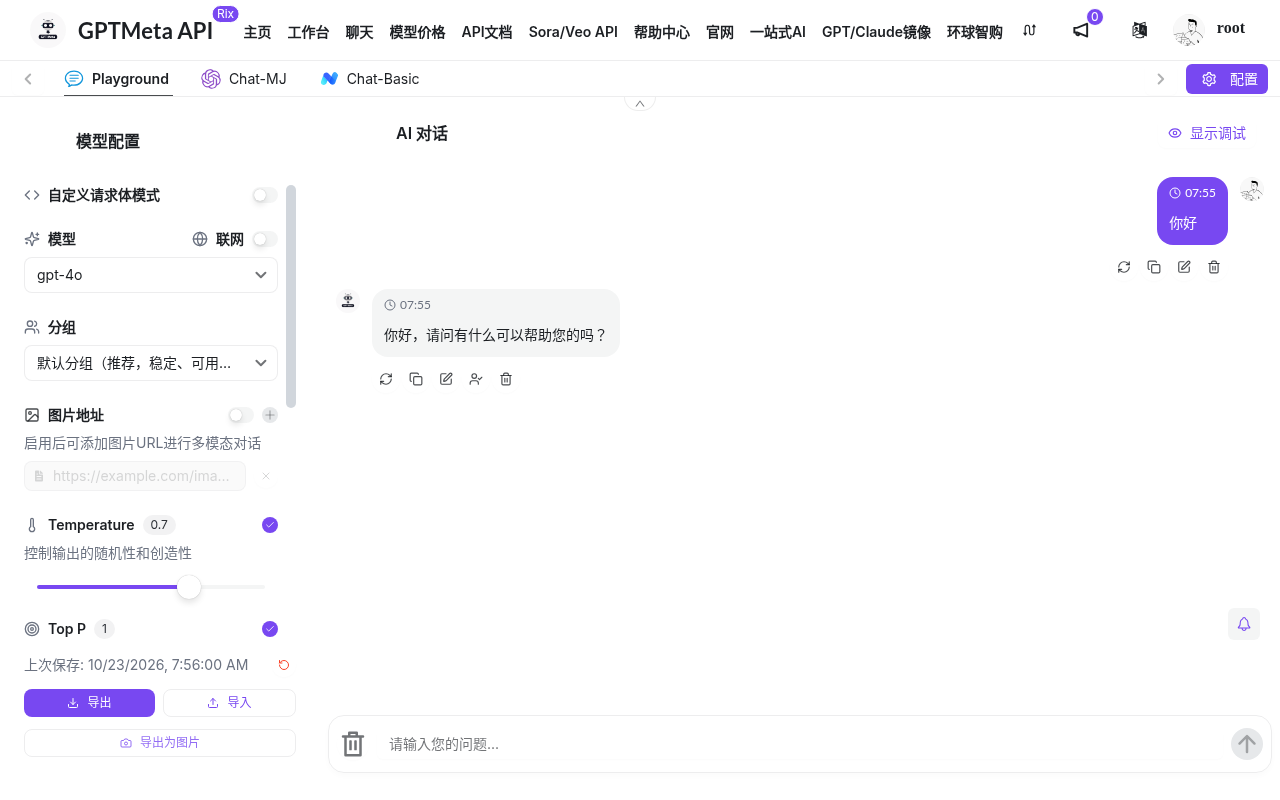
curl 首次调用
export GPTMETA_API_KEY='替换为你的_API_Key'
export GPTMETA_MODEL='替换为模型列表中的模型名称'

curl 'https://www.blueshirtmap.com/v1/chat/completions'
  -H "Authorization: Bearer ${GPTMETA_API_KEY}"
  -H 'Content-Type: application/json'
  --data "{"model":"${GPTMETA_MODEL}","messages":[{"role":"user","content":"你好,请用一句话介绍你自己。"}]}"
查看用量日志
打开「使用日志」/log 核对请求与扣费摘要。
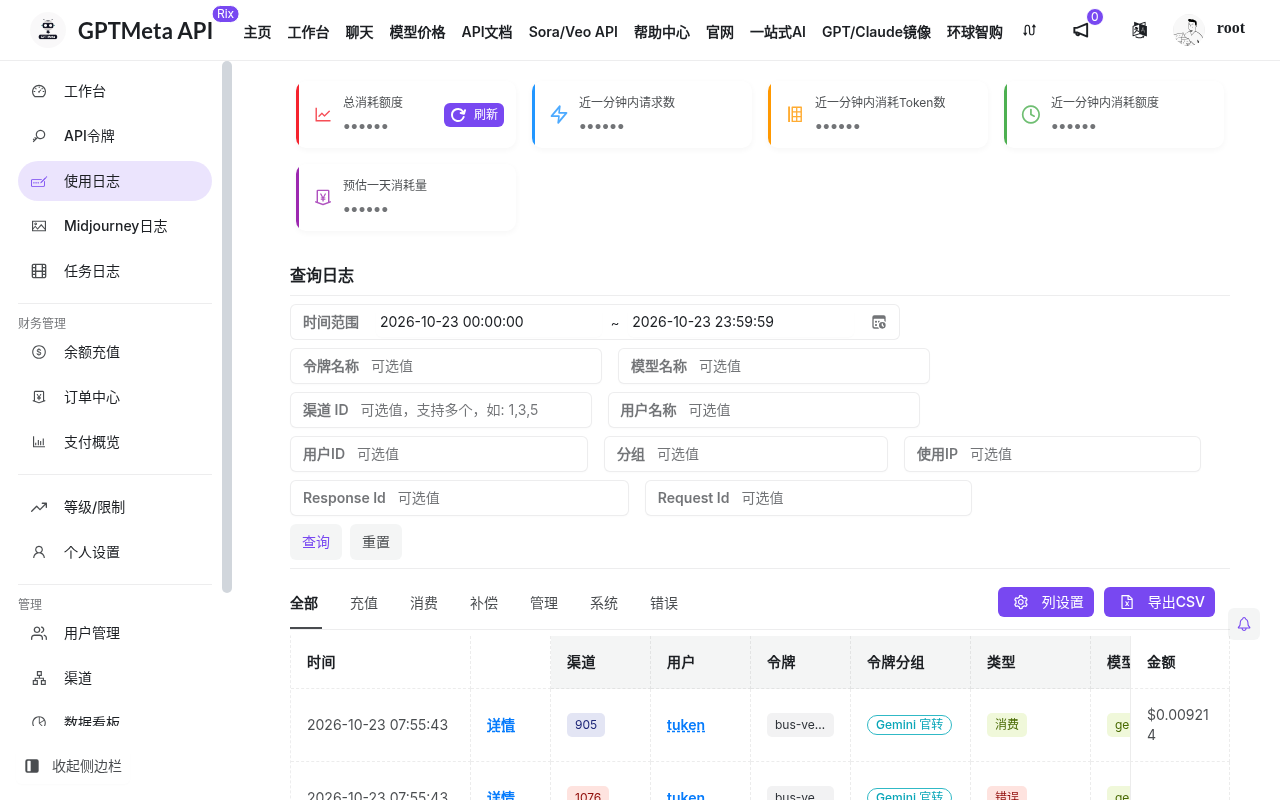
第三方客户端地址怎么填?
| 客户端要求 | 常见写法 |
|---|---|
| 根域名(自动追加路径) | https://www.blueshirtmap.com/ |
| 带 /v1 的 Base | https://www.blueshirtmap.com/v1 |
| 完整对话地址 | https://www.blueshirtmap.com/v1/chat/completions |
| Midjourney 前缀 | https://www.blueshirtmap.com/mj(仅 MJ 相关客户端) |
避免重复拼接成 /v1/v1/....
相关入口:控制台 www.blueshirtmap.com · API 文档 gptmetaapi-docs.mygptmeta.com · 相关 API 入口 api.mygptmeta.com · 完整 GitBook:https://gptmetaapi-docs.mygptmeta.com/ · 支持:fsy18706897280@gmail.com · 微信客服见站内